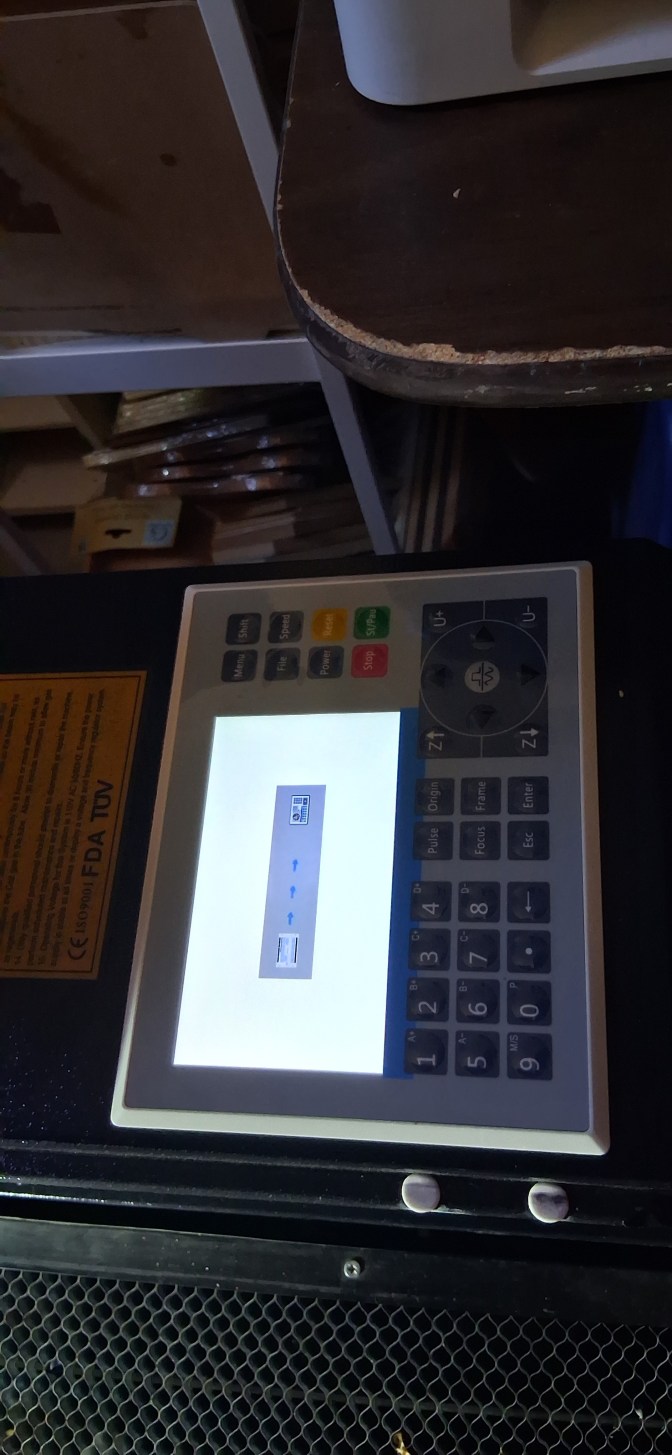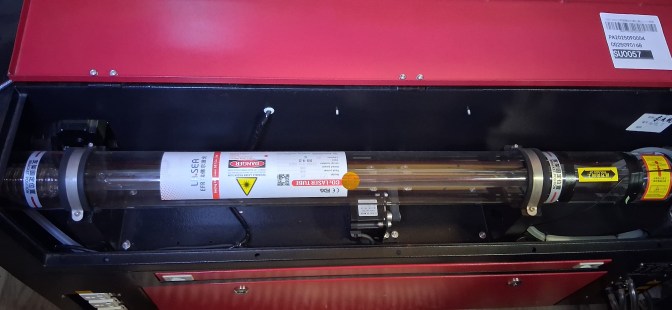



Hello, according to the pictures you provided, there is an HMI interface that cannot be accessed. The approximate analysis and troubleshooting methods are as follows:
1. Power off and restart
Turn off the entire machine for 3 minutes and then turn it back on to eliminate temporary shutdowns.
2. Check the controller power supply voltage
Check if the output of the switching power supply is 24V, if it is lower than standard, you can directly replace the power supply to solve the problem.
3, caused by abnormal test equipment factors
Pull out all the port connections, leaving only the controller and the screen, and then turn it on; if you can enter the interface, it means the peripheral is short-circuited, reconnect it one by one to find the fault point.
4. Reconnect the screen cable
Unplug the power cord and check if there are bent pins or oxidation.
5. Determine the problem with the HMI panel or controller
If the screen / motherboard of the same model can display normally, it means that the screen is broken, and if it still does not enter the interface, it may be that the motherboard firmware / hardware is broken.