


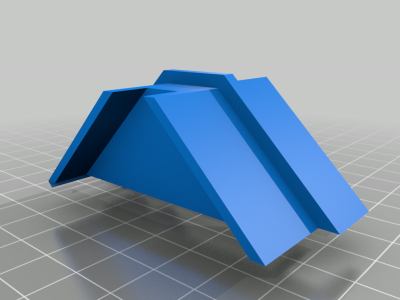
K40 china laser cutter align tool
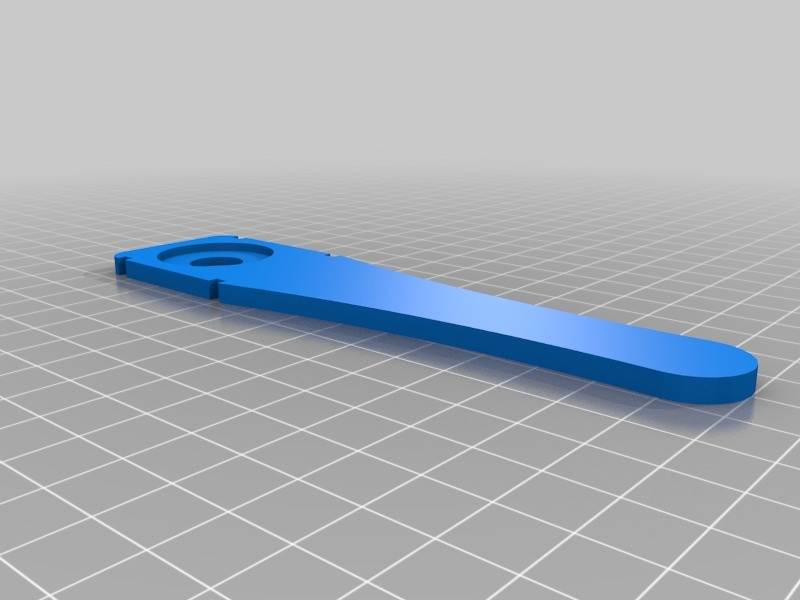
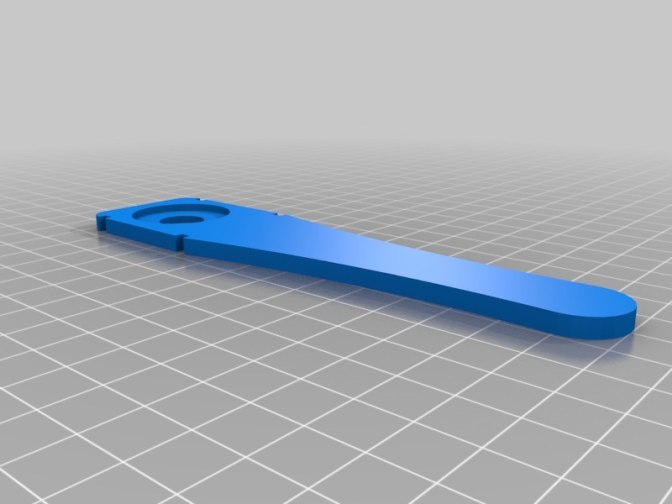


Tool to check if your laser hits the middle of your lens. This can help you align the machine better, to know where the beam hit your lens. If it hits on the edge anywhere its time to fix the alignment. Contains both STL file for 3D printing, aswell as DXF files if you want to cut it in acrylic - see instructions how to use below. STL file is a bit rough at the moment - changes coming up. Instructions: 1: Cut the file in 2mm (or what you have) acrylic/wood, or 3D print it 2: Glue the two pieces together (only if you cut it) How to use: Put a piece of tape on the side with the smaller hole. Put the tool around your laser head, keep it in place when you test-fire. Please, look away when doing this. Remove the tool and look at the tape to see in the smaller circle where the laser dot hit. Do this in all four corners and in the middle of the machine. The small notches can be used if you want to use rubber bands to fasten the tool to the head when using it to keep the lid closed. This is for the regular K40. Does not work on air assist nozzles.

制作了这个设计?快在评论区分享你的成品照片吧!

评论 (0)

你可能还喜欢
- $1.87

Kawasaki KX85 KX100 KX80 Flywheel Stator Cover Spacer or Gasket
 PhotonPhoenix0
 - $1.35
MKS DLC32 Max Case
 Aldric0
Islamic Seamless Pattern SVG File
 Tory0
Tory0- $1.00
Harvest Right Freeze Dryer Tray Spacer
 Elara0
Alfawise U20 Direct Drive Mod
CutMasterPro0- $2.78
Cobi Mig 29 (5840) Improved Intake Inserts
 AcrylicArtist0
Honeycomb Bravo Throttle Quadrant Knob Replacements
 MetalMarker0
- $1.00
Anycubic Vyper Spool Holder Mount
 Sophia0
Atomstack A24 PRO Riser Stand 2.5 inch
Yara0
Air Assist for Creality Falcon 10W Laser Engraver
 CutlineCreator0
Board mount for Anycubic Trigorilla
 LaserCrafter0
K40 Focus Alignment Tool with Dual Red Dot Laser Diodes
FrostFireFab0- $1.00
TT Motor Mount for Robotics Platform
EngraveEagle0 
K40 Laser Height Measuring Guide with Magnet Mount
Sable0
120mm Fan Exhaust Adapter for Vent Hose
 KerfKnight0
